When preparing a request for quotation (RFQ), mark any unconfirmed field as “unknown.” Ask the supplier to list its assumptions, the missing inputs needed for pricing, and the date it expects to return the quotation.
This guide explains what to send, why each item matters, and gives you a template to use in an email or our quote request form.
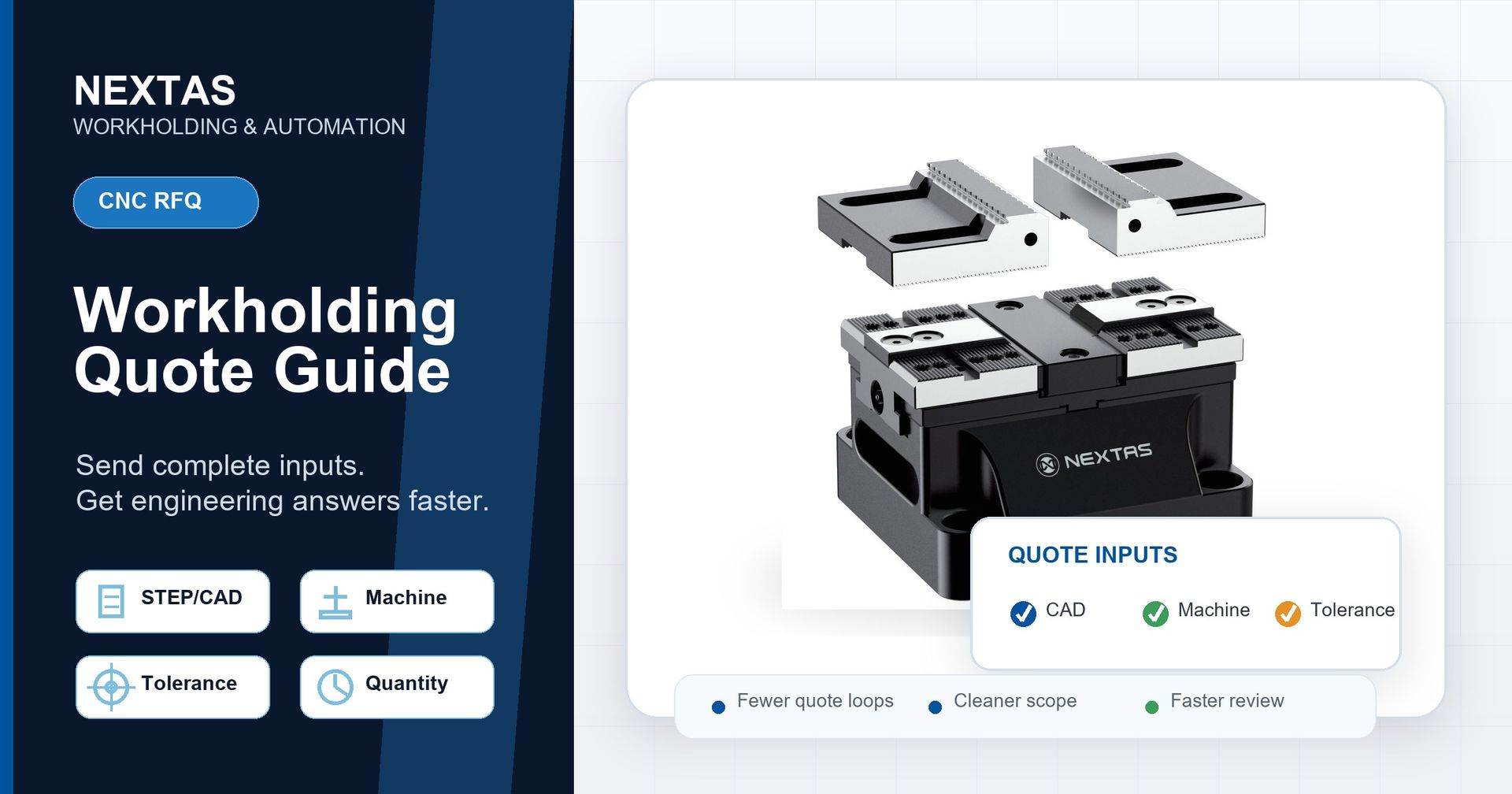
Fast-quote checklist
- Part: size range, material, and the surface you can clamp on.
- Machine: model, table size, and spindle orientation.
- Accuracy: part tolerance and target locating repeatability.
- Process: roughing, finishing, electrical discharge machining (EDM), or mixed.
- Automation: manual load, robot, or pallet-based flexible manufacturing system (FMS).
- Commercials: quantity/stations and timeline.
Why workholding quotes stall
A fixture is sized from the job, not from a catalogue line. Without the part shape and machine details, an engineer cannot check clamp force, the locating-reference (datum) plan, tool access, or product fit. The supplier must then list its assumptions or ask for missing facts before it can set the design. Complete inputs let the review start and make open questions clear.
The 8 inputs a fixture review needs
- Part size range. The smallest and largest parts in the family, not just today's part.
- Material and surface condition. Machined, cast, forged or saw-cut — this influences clamping force and jaw choice together with geometry, contact area and cutting load.
- Clampable surface or datum. Where the fixture can hold and locate without hitting the cut.
- Machine model and table size. Plus 3-axis, 4-axis or 5-axis and horizontal or vertical.
- Part tolerance and locating repeatability. State each target as its own value; for example, a ≤0.02 mm locating target is clearer than "high precision".
- Operation type. Roughing, finishing, EDM or a mix changes rigidity and force needs.
- Automation plan. Manual loading, robot loading, or a zero-point/pallet workflow.
- Quantity and timeline. Station count, annual volume, and when you need it.
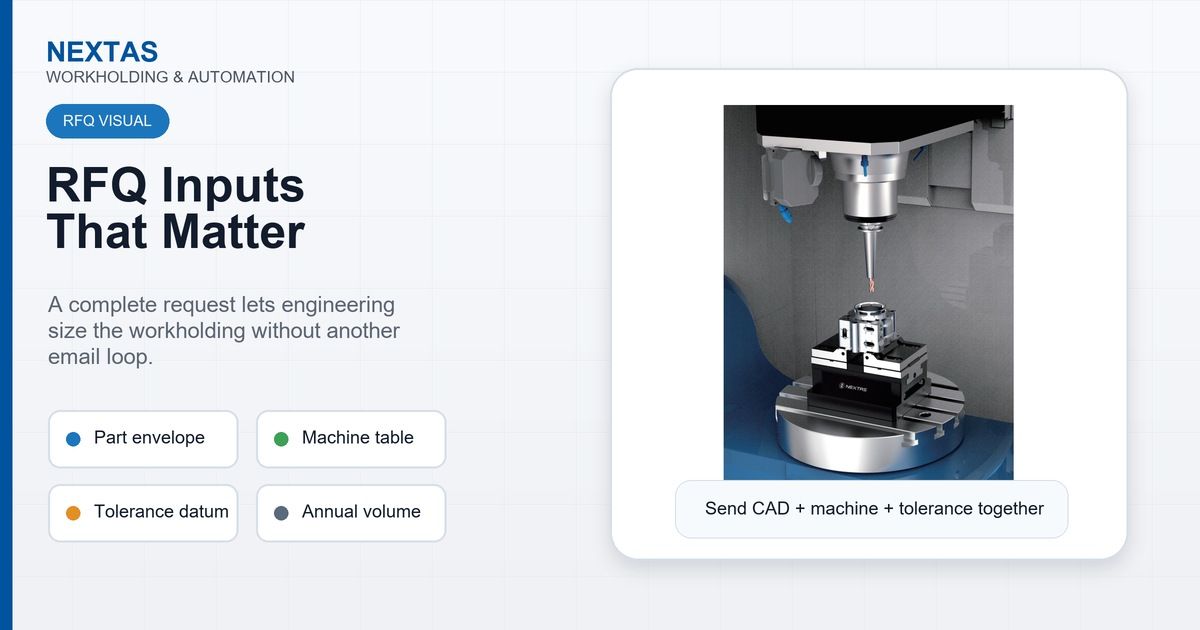
5 things that quietly slow your quote down
Even buyers who send "enough" detail often miss the same few points. Any one can pause the review or add another question that the first RFQ could have answered.
- Only describing today's part. If you quote against a single part and your range later grows, the fixture may not fit. Give the family envelope up front so the engineer can assess the required headroom and reduce the risk of later redesign.
- "High precision" with no number. Tolerance words mean different things to different shops. State the part tolerance and required locating repeatability separately. A target such as ≤0.02 mm locating repeatability gives the engineer a clear basis for the datum review; without it, the supplier may need to quote more than one option.
- Leaving out the machine. Table size, axis count and spindle orientation decide whether a standard product even fits. A fixture can clamp well yet hit the spindle or block tool access. Without the machine data, this risk may not appear until the engineering check.
- Forgetting the automation plan. "We might add a robot next year" changes the interface review today. Mention it now so the engineer can assess a compatible interface; mention it later and the fixture may need rework.
- Sending a PDF screenshot instead of geometry. A flattened image with no dimensions cannot be measured. A STEP file or a dimensioned drawing gives the engineer measurable geometry for the review.
3D models and drawings: what actually helps
If you have computer-aided design (CAD) data, export a STEP file. STEP is a neutral format for exchanging a three-dimensional (3D) model, so the engineer can check tool access and clamping in context. Pair it with a dimensioned 2D drawing that calls out the critical tolerances and datums. If you do not have CAD yet, clear photos with key sizes can start the review. The supplier should still tell you which model or drawing it needs before it can issue a firm quote.
Worried about confidentiality? Before sending sensitive files, confirm the supplier's handling rules and complete a mutually accepted non-disclosure agreement (NDA) if needed. Share only the clamping-relevant geometry; you do not need to hand over all of your product intellectual property (IP) to define a fixture.
Copy-paste quote request template
Part: [name / family] — material [ ], size range [min–max mm]
Clamp/datum surface: [face / outside diameter (OD) / bore / cast skin]
Machine: [model], table [size], [3/4/5-axis], [vertical/horizontal]
Part tolerance: [ ] — Locating repeatability target: [e.g. ≤0.02 mm]
Operation: [roughing / finishing / EDM / mixed]
Automation: [manual / robot / pallet / FMS]
Quantity / stations: [ ] — Needed by: [date]
Attachments: [STEP] [2D drawing] [photos]
Drop that into our quote request form with your files to start the review. The supplier can then flag gaps, state its assumptions, and confirm the quote scope and dated schedule.
A complete request, start to finish
Hypothetical planning example: a shop machining aluminum housings sends: part family 60–140 mm, 6061-T6, clampable on the cast base flange; a vertical machining center (VMC) with a 500 × 1000 mm table, 3-axis vertical; part tolerances shown on the drawing; ≤0.02 mm locating repeatability; finishing operation; manual loading today but planning a pallet workflow within a year; 4 stations needed, around 8,000 parts a year, required in six weeks. Attached: a STEP file and a dimensioned drawing calling out the two datum faces.
With that package, the engineer can check clamp force, the datum plan, tool access, table limits and a later pallet link. The review may still raise questions. The supplier should confirm missing facts, the quote scope and a dated quote schedule. This example does not promise a fixed response time.
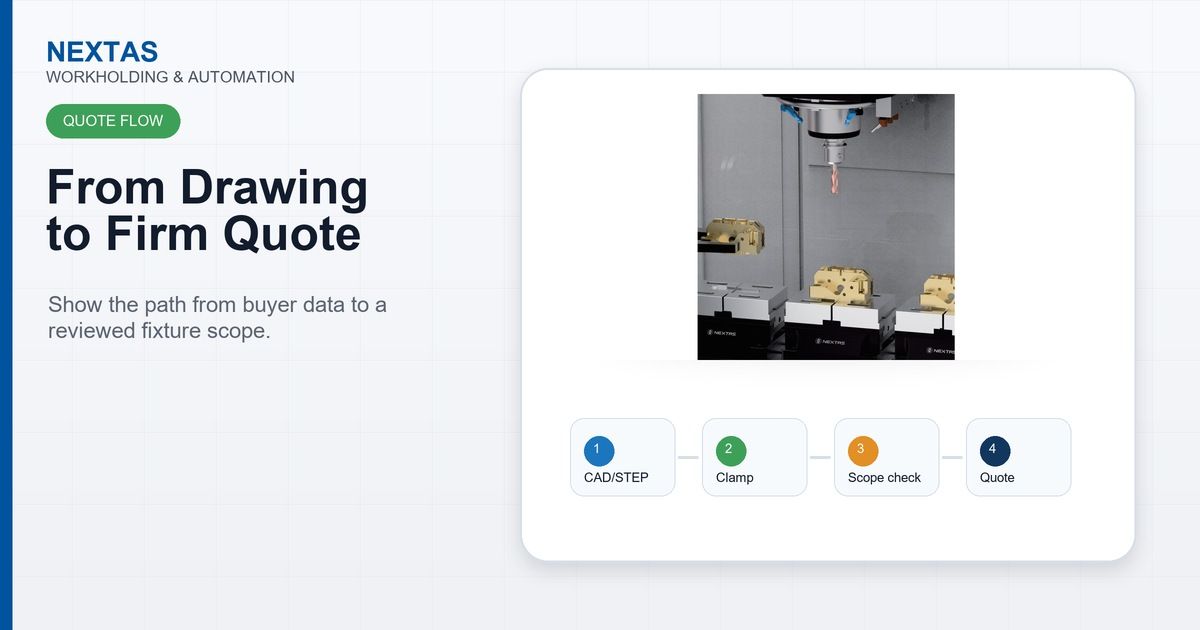
What happens after you send it
No single quote time applies to every standard or custom setup. The supplier should first check that the RFQ is complete. It can then set a quote date based on job complexity, its current workload, clamp-force checks, datum plan, tool access and interface review. A complete RFQ cuts uncertainty and follow-up questions, but it does not promise a fixed response time.
Ready to prepare your workholding quote request?
Send the checklist and template above with the STEP file or drawing you have. Our engineers will review the request, flag gaps, and confirm the quote scope and timing.
Submit a Workholding Quote RequestFrequently asked questions
How fast can I get a CNC workholding quote?
There is no single quote time for every job. The supplier should confirm the schedule after it checks the quote scope, missing inputs and current workload. A standard setup and a fully custom fixture may need different checks, calculations and interface tests.
What information do I need to send for a fixture quote?
At minimum: part size range and material, machine model and table size, target part tolerance and locating repeatability, clamping or locating-reference preference, quantity or station count, and your automation plan (manual, robot or pallet). A 3D STEP file plus a dimensioned drawing covers most of it.
Do I need a finished CAD model to get a quote?
No. A STEP file is ideal, but a dimensioned 2D drawing, or even clear photos with key dimensions, is enough to start. Better geometry reduces assumptions, but the supplier must still confirm missing inputs and the quote scope.
Will sharing my drawings risk my design?
Before sending sensitive files, confirm the supplier's handling rules and complete a mutually accepted non-disclosure agreement (NDA) if needed. Share only what is needed to define the clamping problem, such as the envelope, locating references, material and tolerances.
Can I get a budget price before sending full details?
Yes, you can ask for an indicative budget range based on the product family and size. A final quoted price still depends on the part and machine data plus any interface checks the supplier identifies.